
Home

Where Kubus fits
kubectl is fast, but it shows you one thing at a time and you have to know what to ask
for. Dashboards give you a picture, but they live inside a cluster and need RBAC, an ingress
and a login before you see anything. Kubus is a desktop app instead. It reads the kubeconfig
you already have, connects to as many clusters as you select, and keeps everything on your
machine.
-
Every cluster at once
Select any number of kubeconfig contexts. Lists merge into one view with a cluster column, so you stop switching contexts to compare things.
-
Every resource kind
Built-in workloads, networking, config, storage and RBAC, plus every CRD in the cluster. CRDs are discovered live and their printer columns become real columns.
-
Aggregated logs
Stream logs from many pods at once, colour-coded per pod. Filter with a regex, follow the tail, show timestamps, read the previous container and download the lot.
-
Shells & debugging
A real terminal into any container, ephemeral debug containers for distroless pods, and a privileged node shell that runs
nsenteron the host. -
Metrics & health
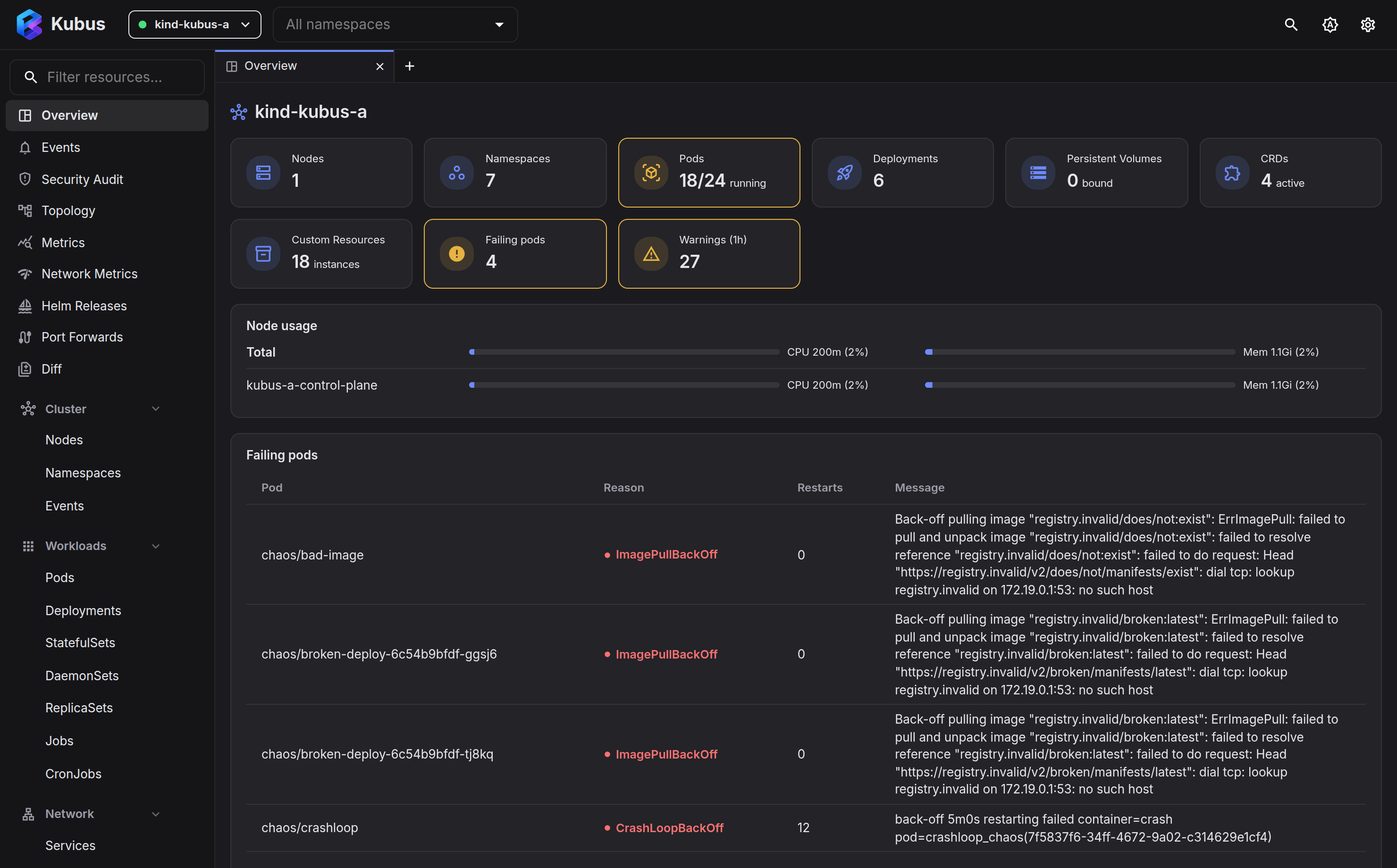
CPU and memory history from metrics-server, and an overview dashboard that flags failing pods, unavailable workloads, restarts and warnings.
-
Helm without the binary
List releases, inspect user and computed values, read manifests, browse history, roll back and uninstall. The server decodes release secrets itself.
-
Command palette
Ctrl+K searches resources, kinds and pages and runs actions on anything, so you can drive the whole app from the keyboard.
-
Local & private
Kubus binds to
127.0.0.1only, guards every request with a per-run token and redacts Secret values by default. Nothing leaves your laptop.
Kubus in one minute
Get Kubus
-
Install Kubus
Grab the desktop installer for Windows, macOS or Linux, or run it from source.
-
Quickstart
From zero to browsing your first cluster in about five minutes.
Kubus is a local tool
Kubus runs on your machine against clusters you already have credentials for. It is not a hosted, multi-tenant dashboard. The security model spells out exactly what that means.
Made by
Kubus is built by me (FloSch), in the open and in my spare time. It is free and stays free. If it saves you time, a coffee keeps the releases coming. More about me.